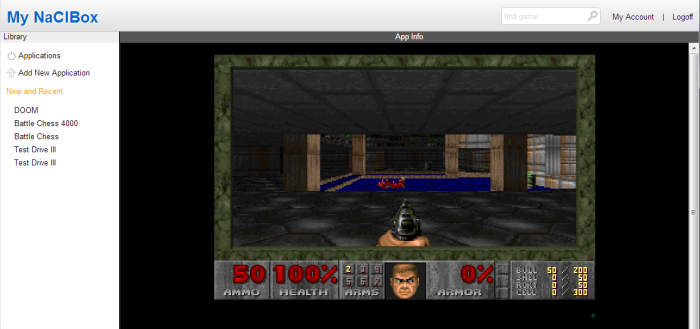
Setting up a Game for Multiplayer
If you would like to play your own games in My NaClBox, you can do that as long as your game supports NULL modem or serial gameplay. My NaClBox will use hook you and a friend up via a browser technique called WebSockets. DOS will behave as if you are both connected via a Serial modem on COM 1 (remember that?).
Here is an example of how you might use this feature to play multiplayer DOOM against a friend.
First you will need to install DOOM in My NaClBox. Choose the "Add New Application" function and select a name. "DOOM" works well here.
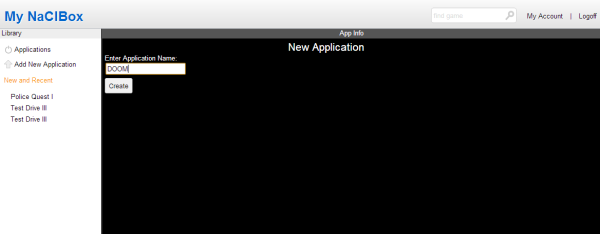
If you have the game already installed on your local machine, you can choose to add the files from your computer, but you will find that installation is much faster if you just choose a zipped up copy of the game to send to My NaClBox for installation.
The game will upload and them take a few moments to install. After that is complete you will be ready to install doom. Start DOOM and run the Install application.
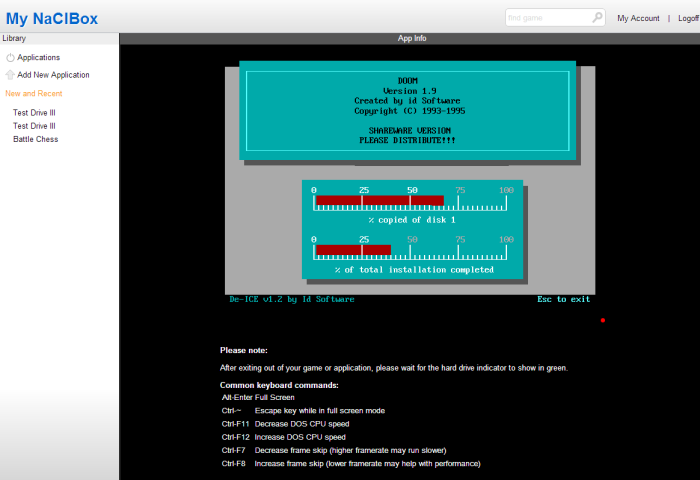
Once that is complete, you are ready to begin playing. You will need a friend who is also a subscriber to the My NaClBox service to play against them online. They must also have a copy of the game that you would like to play against them. Both games should be configured to play on COM 1 serial modem.
Go ahead and start a new Multiplayer Game.
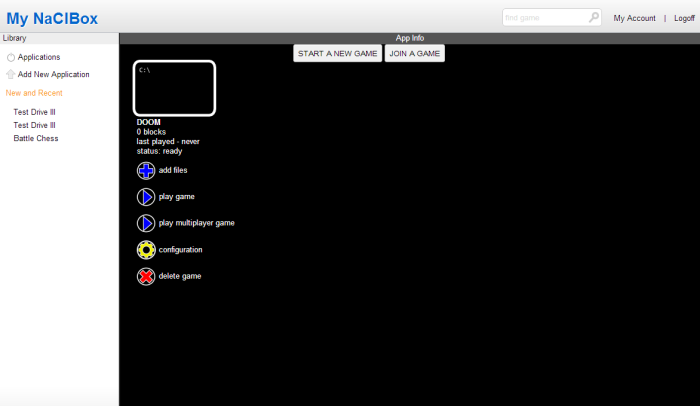
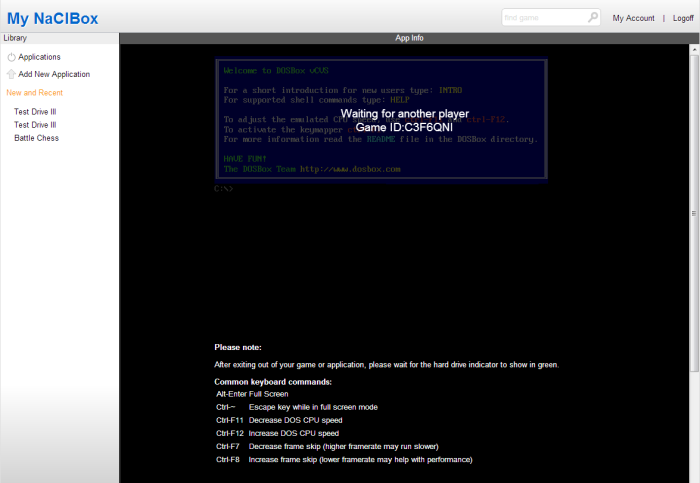
After the game is started, you will see an overlay with a new game ID. Send this game ID to a friend. That friend will them be able to join the game.
Now you are ready to start the game. In DOOM, you do that by running "setup" and choosing to play a game with "Serial Cable."
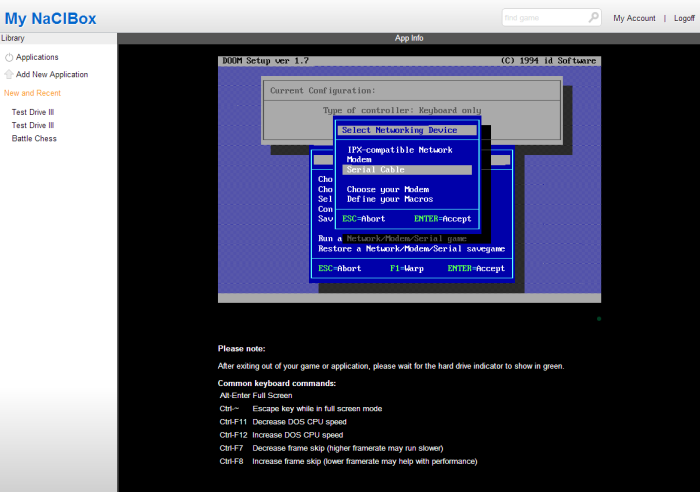
Next hit F10 to play and leave the default "COM1" selected.
Now both games will connect and you will be playing against your friend!